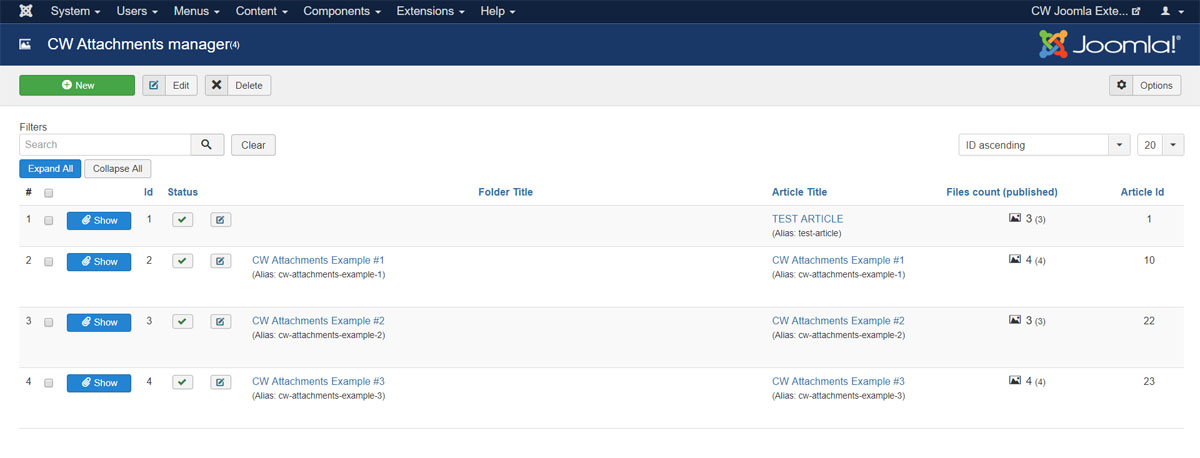
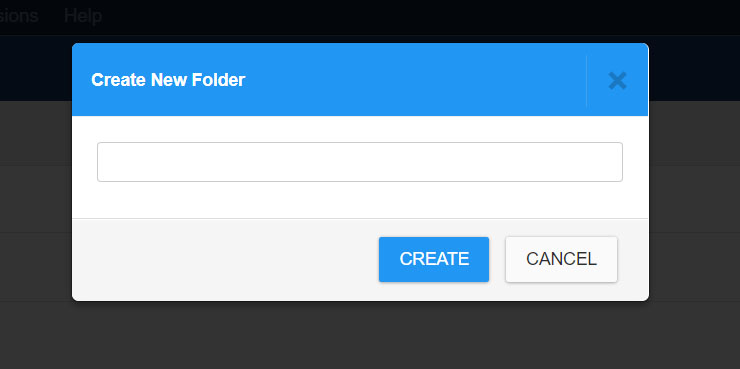
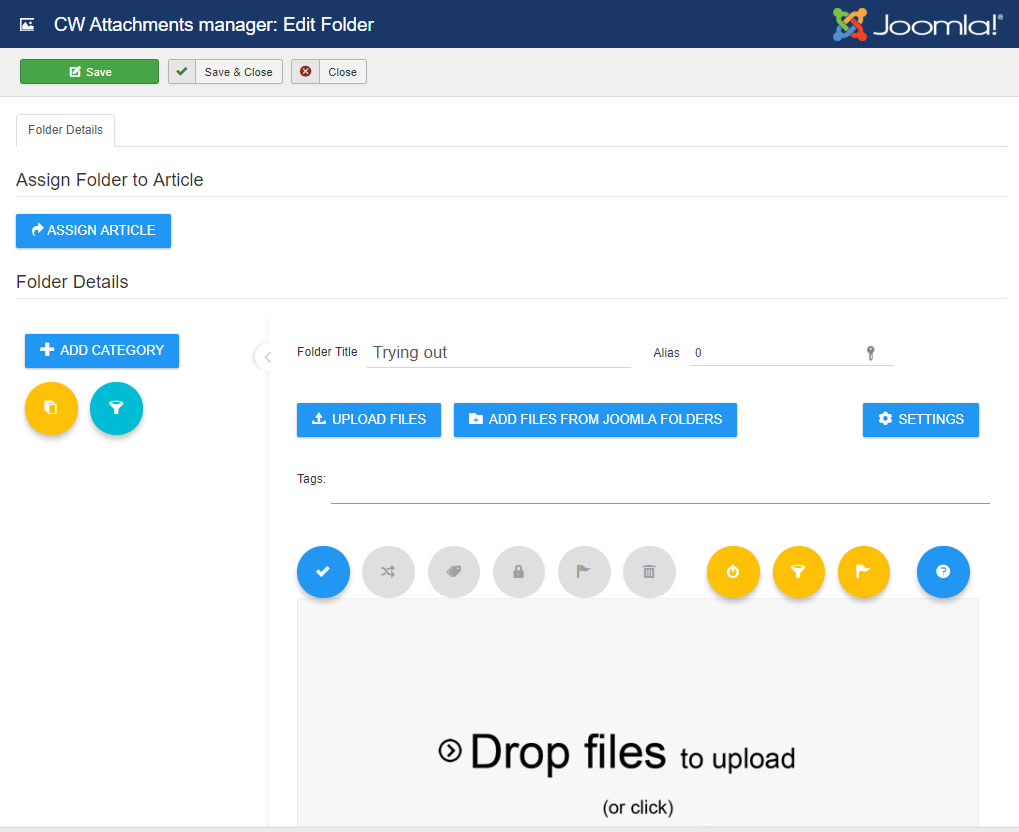
share print How to Create a new Folder 1) Go to menu Components -> CW Attachments and click to NEW button in toolbar 2) Set a folder Title or leave it blank and click CREATE button 3) Now you can start working with the attachments manager Prev Next